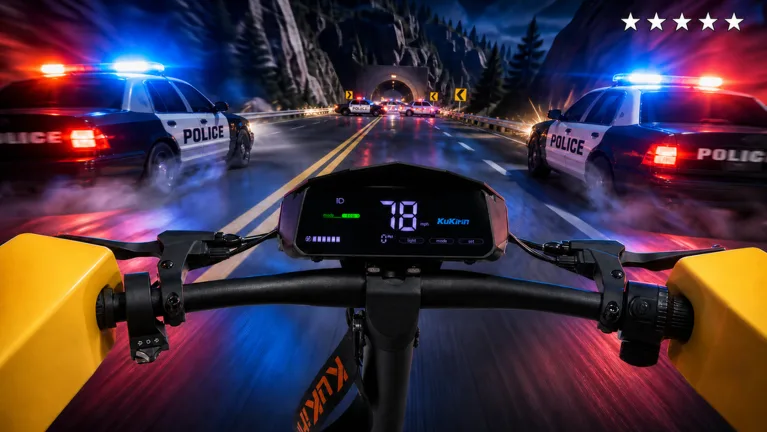
How to Drive a Kukirin G4 in Roblox: Tips for Mastering the Simulator
Master the Kukirin G4 in Roblox with our expert guide. Learn realistic physics, wheelie techniques, and how to upgrade your ride in this popular simulator.
Published: ( UPDATE) Drive A Kukirin Wiki Editorial Team
Table of Contents
Getting Started with Drive A Kukirin
Drive A Kukirin has quickly become one of the most immersive electric scooter experiences on the Roblox platform. Unlike typical arcade racing games, this simulator focuses on realistic physics, requiring players to balance speed with control. Whether you are a fan of real-world brands like KuKirin, Dualtron, or Segway, the game provides a digital sandbox to test these high-performance machines.
To get started, you will need to navigate to the official game page. As a beginner, your goal is to familiarize yourself with the handling of base models before saving up for premium scooters like the G4 Max. The game’s open-world design allows you to practice in various environments, which is crucial for mastering the unique weight distribution of each model.
Mastering the Kukirin G4
The Kukirin G4 is widely considered a fan favorite due to its balance of power and stability. To truly "drive" the G4 effectively, you must move beyond simply holding the throttle. The game’s physics engine responds to momentum, meaning you need to anticipate turns and manage your braking distance carefully.
Tip
When cornering at high speeds, tap the brake lightly rather than slamming it to maintain your traction. This prevents the scooter from sliding out, which is a common mistake for newer players.
Community reports suggest that the G4 benefits significantly from custom tuning. If you find your steering feels too loose, check your settings to see if you can adjust the sensitivity. Players who have "maxed out" their G4 often note that the investment—sometimes reaching upwards of 130K in-game cash—is well worth it for the improved acceleration and top speed.
How to Perform Skill-Based Wheelies
One of the defining features of Drive A Kukirin is the ability to perform wheelies. This isn't just for show; mastering this skill is often required to navigate certain terrain features or simply to show off your control over the scooter’s center of gravity.
Gain Momentum: Start by accelerating to a steady mid-range speed.
Initiate the Lift: Use the designated action key to pull the front of the scooter up.
Throttle Control: Once the wheel is up, feather the throttle. Too much power will cause you to flip backward; too little will cause the front wheel to drop prematurely.
Balance: Use slight steering inputs to keep the scooter straight while on one wheel.
Practice is key here. Because the game utilizes realistic physics, the weight of the G4 will feel different than lighter models like the Xiaomi or Segway variants available in the game.
Customization and Upgrades
The upgrade system in Drive A Kukirin is the primary driver of progression. As you explore the open world and complete challenges, you earn currency that can be spent on performance parts.
Performance Upgrades
Focus on motor and battery upgrades first. These directly impact your top speed and the rate at which you can reach it, which is essential for long-distance cruising.
Aesthetic Customization
Don't forget to visit the store to equip wearable helmets and other cosmetic items. While they don't change the physics, they allow you to personalize your avatar for social interactions in the server.
Always prioritize performance parts before cosmetic ones. A fully maxed-out G4 will allow you to explore the map faster, which in turn helps you farm currency more efficiently for future purchases.
Frequently Asked Questions
Is the G4 the fastest scooter in the game?
While the G4 Max is among the highest-performing scooters, the game frequently receives updates. It is recommended to check the in-game store periodically to see if new models or higher-tier versions of existing scooters have been added.
Can I play this on mobile?
Yes, the game is designed to be accessible on the Roblox platform, which supports mobile, tablet, and PC. However, keep in mind that precision maneuvers like wheelies may require more practice on a touch screen compared to a keyboard.
What should I do if the scooter feels unstable?
Instability is usually a result of high speeds on uneven terrain. Try to stay on paved roads when testing your top speed. If the issue persists, check if you have any pending upgrades that might improve the scooter's suspension or tire grip.
By focusing on these mechanics and utilizing the upgrade system effectively, you will quickly transition from a novice rider to a master of the Kukirin G4. Keep an eye on the game's official page for future updates, as the developer, Gogos Games Studios, regularly adds new content and improvements to the physics engine.