How to Find the Drive A Kukirin Discord Server and Custom Skins
Learn how to join the official Drive A Kukirin Discord server for updates and discover the truth about finding custom skins in this Roblox simulator.
Published: ( UPDATE) Drive A Kukirin Wiki Editorial Team
Table of Contents
Finding the Official Drive A Kukirin Community
Navigating the community side of Roblox games can sometimes be confusing, especially when looking for specific resources like custom skin files or dedicated servers. For those playing Drive A Kukirin by Gogos Games Studios, the best place to start is the official game page on Roblox.
Many players search for a "custom skin discord server" hoping to find user-created textures for their electric scooters. While the official Discord server is the hub for the game’s community—offering access to polls, developer announcements, and interaction with fellow players—it is important to note that the game itself does not currently support a native "custom skin" import system for general players. If you join the Discord, do so to engage with the community and track game updates rather than expecting a repository of player-made mods.
Understanding Custom Skins and Game Limitations
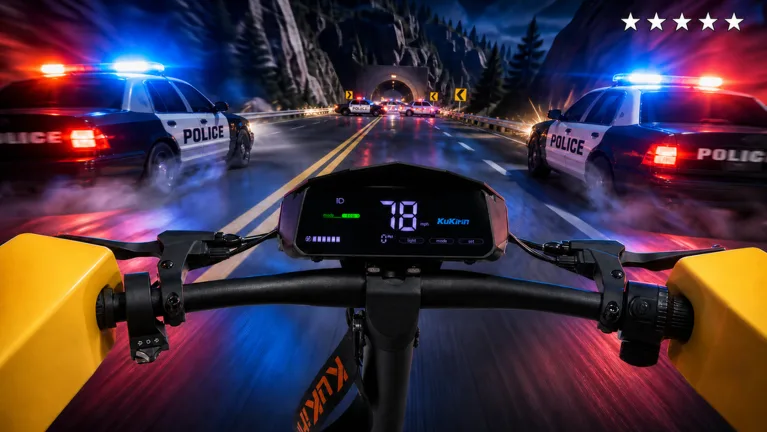
In many simulator-style games on Roblox, players often confuse "custom skins" with the ability to purchase or unlock different scooter variants or accessories. As of late 2026, the game focuses on realistic simulation elements, such as avoiding police and performing tricks.
If you encounter websites or YouTube videos claiming to provide "custom skin files" for the game, exercise caution. Roblox security protocols generally prevent players from injecting external, user-created textures into the game environment. Most "skins" you see in-game are developer-implemented items that can be purchased with in-game currency. Relying on the official Discord server for information ensures you aren't downloading potentially harmful files or falling for clickbait.
Tip
Always verify that the information you find comes from the official Roblox game page or the verified Discord link provided within the game's UI. Avoid downloading files from third-party sites that promise "custom skins" for Roblox games.
How to Redeem Codes for Better Gear
While you might be looking for ways to customize your ride, the most effective way to change your scooter's performance and appearance is by using official codes. Developer Gogos Games Studios frequently releases these to help players progress faster.
Locate the Settings cog icon on the right side of the screen.
Enter your active codes into the text field at the top of the menu.
Hit the "Redeem" button to instantly add cash to your balance.
Community reports indicate that codes like "PATCH" and "UPDATE" are reliable ways to secure extra funds. Use this money to save up for higher-tier scooters, which often feature distinct, high-quality models that serve as the game’s version of "custom" equipment.
Staying Updated with the Community
Joining the official Discord server is more than just about finding codes. It is a vital tool for staying ahead of the game's development cycle.
Announcements: Be the first to know when a major update drops, which often includes new maps or scooter models.
Polls: Participate in community feedback to influence what the developers might prioritize in future patches.
Safety: The Discord server is moderated, making it a safer place to ask questions compared to random social media comments or unverified YouTube tutorial descriptions.
According to community reports, while some external websites attempt to aggregate codes, they may not always be accurate. The developers use their Discord as the primary source of truth, ensuring that you aren't wasting time on expired or fake codes.
Is there a way to upload my own custom scooter skin?
No, the current version of the game does not support player-uploaded custom textures or skins. All scooter appearances are managed by the developers.
Where can I find the most accurate codes?
The best method is to follow the game's official Discord or bookmark reputable gaming news sites that verify codes regularly. Avoid videos that ask for your personal Roblox login details in exchange for "skins."
Why should I join the Discord server?
It provides direct access to the developers, patch notes, and a community of active players who share tips on how to effectively maneuver and perform tricks in the game.